

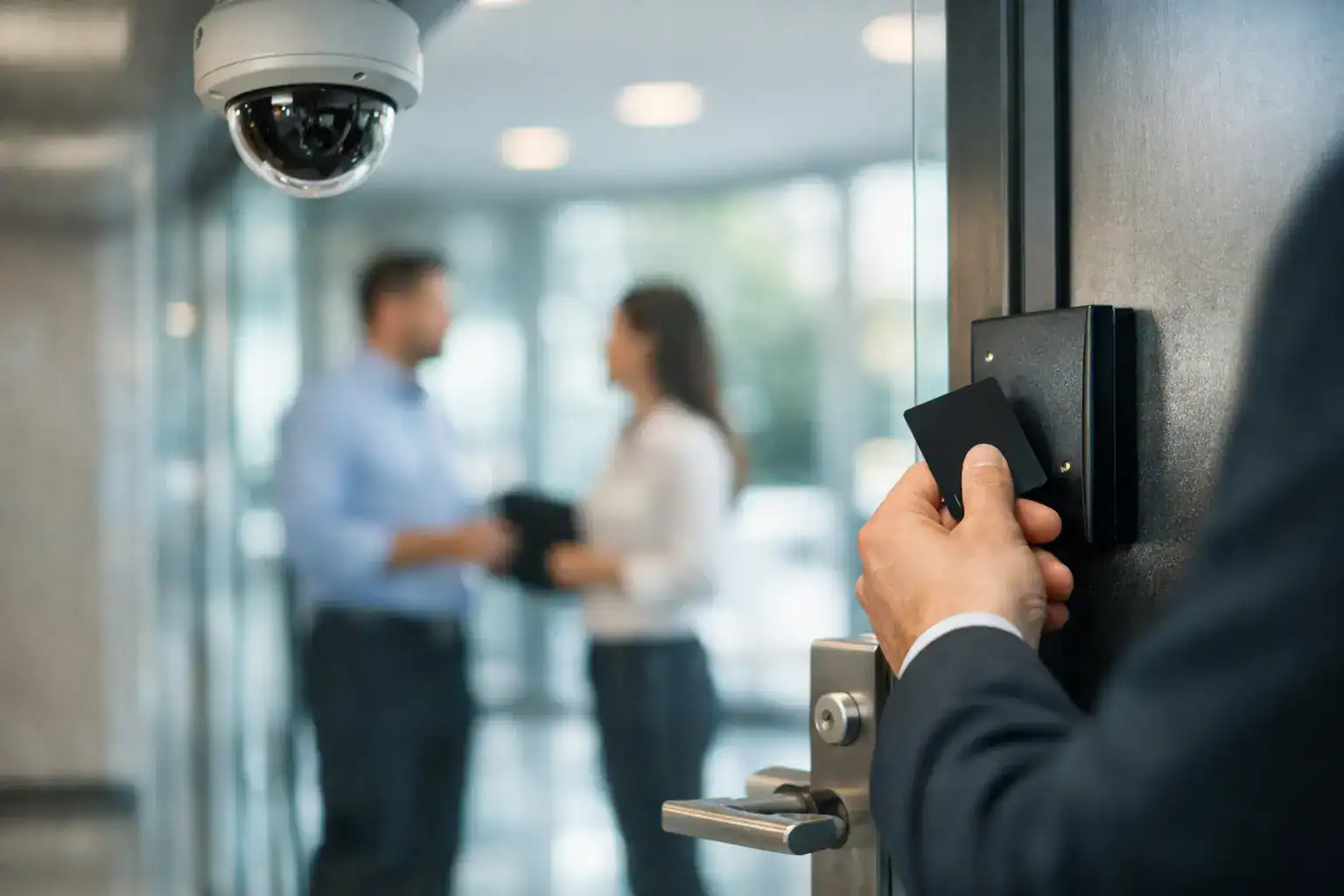
Building Access Control Guide for Safer Sites
A door that stays locked is not the same thing as a building that stays secure. That distinction is where a good building access control guide starts. For property owners, facility managers, healthcare administrators, and security directors, the real question is not whether to control entry. It is how to do it in a way that supports daily operations, protects people, and holds up under real-world use.
What a building access control guide should help you decide
Access control is often described as a system of readers, credentials, locks, and software. That is accurate, but incomplete. In practice, it is a decision-making framework for who can go where, when they can enter, and what happens when something goes wrong.
A small office may only need to secure a front entrance, a server room, and a rear delivery door. A medical practice may need tighter control over drug storage, records areas, and after-hours entry. A multi-tenant building may need to balance shared access, individual suite security, and vendor access without creating confusion at the front desk. The system has to match the building, the risk profile, and the pace of the people using it.
That is why the best projects begin with operational questions, not hardware catalogs. Who enters the building every day? Who needs temporary access? Which openings must stay locked at all times, and which need controlled free egress? How quickly do you need to add or remove access when staffing changes? Those answers shape the right system far better than product features alone.
Start with the building, not the gadgets
One of the most common mistakes is selecting technology before evaluating the doors and traffic patterns already in place. Access control is only as dependable as the opening it protects. A credential reader on a misaligned door, weak frame, or failing closer will not deliver the level of security the customer expects.
Every opening should be reviewed as a complete assembly. That means the door, frame, hinges, lock hardware, exit device if present, electric strike or magnetic lock if used, door closer, request-to-exit devices, and life safety requirements. In many buildings, especially older properties, the door condition determines what can realistically be installed without creating reliability issues.
This is also where code compliance matters. A system that slows egress, interferes with fire-rated openings, or creates accessibility problems can become a liability quickly. In healthcare, government, education, and other regulated environments, those details are not secondary. They are part of the job from the beginning.
Identify your critical openings first
Not every door deserves the same level of control. A smart plan starts by ranking openings by risk and function. Main entrances, employee entrances, IT rooms, records storage, pharmacy areas, cash handling locations, and loading doors usually come first.
This approach helps control budget without treating every opening as high security. In many facilities, the right move is to harden a smaller number of doors well rather than spread resources thin across the entire building.
Choosing credentials in a building access control guide
The credential is what users carry, present, or know to gain entry. Cards and fobs are still common because they are familiar and easy to issue. Mobile credentials are gaining ground, particularly where users already rely on smartphones throughout the workday. PINs can work in specific situations, but they come with management issues when codes are shared or left unchanged too long.
There is no universal best choice. Cards may be practical for larger employee populations and easy replacement. Mobile credentials can reduce badge handling and support remote provisioning, but some users and environments are not ideal for phone-based access. High-security facilities may require layered authentication with a card plus PIN or biometric verification.
The key is to match convenience with risk. A front office with regular staff turnover needs fast onboarding and fast deactivation. A controlled lab or records room may need stricter identity verification. If a credential is easy to share, lose, or misuse, that trade-off has to be acknowledged upfront.
The software matters as much as the hardware
A reader on the wall gets attention because it is visible. The management platform deserves just as much scrutiny because it determines how the system performs day to day. If access changes are cumbersome, audit trails are hard to review, or reporting is inconsistent, the system will frustrate staff and weaken accountability.
Good software should make it simple to assign access by role, schedule doors around business hours, create temporary credentials for vendors, and review entry events when needed. For multi-site operators, centralized administration can save significant time. For smaller businesses, a straightforward interface may be more valuable than a long list of advanced features nobody will use.
Cloud-managed platforms can offer flexibility, especially for distributed properties or customers who want easier remote administration. On-premises systems may still make sense when internal control, network requirements, or security policy favor local infrastructure. It depends on the environment, the IT expectations, and who will actually manage the system after installation.
Audit trails are not just for investigations
Event logs help after an incident, but their value is broader than that. They support policy enforcement, staffing review, and operational visibility. If a door is being propped open every afternoon, if vendors are entering outside approved windows, or if terminated employees still have active credentials, the system should help surface those issues before they become larger problems.
Integrating video, alarms, and door hardware
Standalone access control can be effective, but integration often improves both security and response. When a forced door event is paired with video verification, staff can assess the situation faster. When intrusion detection is tied to scheduled arming and disarming based on user permissions, day-to-day operations become more manageable.
That said, more integration is not automatically better. A tightly integrated system can increase capability, but it can also increase complexity. If the customer does not need advanced automation or lacks internal resources to manage it, a simpler design may be more dependable over time.
Hardware decisions follow the same rule. Electric strikes, electrified lever sets, magnetic locks, keypads, readers, request-to-exit devices, and door position switches all have appropriate uses. The right combination depends on door construction, code requirements, traffic volume, and security goals. High-use openings need durable hardware. Perimeter doors need strong mechanical foundations in addition to electronic control.
Policies make the system work
Even the best equipment cannot fix weak access practices. A building access control guide is incomplete if it stops at installation and ignores policy. Who approves new credentials? How quickly is access removed when an employee leaves? Are visitor credentials time-limited? Are there written rules for shared spaces, after-hours entry, and contractor access?
Many problems blamed on technology are actually management gaps. Credentials stay active too long. Employees lend badges to coworkers. A side door is left unsecured because it is more convenient for deliveries. Without clear ownership and consistent procedures, the system becomes expensive window dressing.
This is especially important for organizations with compliance obligations. Healthcare facilities, public agencies, and defense-related environments often need stronger documentation, tighter role-based permissions, and evidence that physical access is being managed deliberately.
Planning for growth and service
Access control is not a one-time event. Buildings change. Staff counts shift. Departments move. Tenants turn over. A system should allow for expansion without forcing a complete replacement too early.
That does not always mean buying the largest possible platform on day one. It means choosing an architecture that can add doors, users, or additional sites in a practical way. It also means thinking about serviceability. Who responds when a reader fails, a strike stops releasing, or a credential database needs urgent changes? Fast support matters just as much as good design.
An experienced provider will look at the whole opening, the code requirements, the user experience, and the maintenance reality before recommending a system. That is especially true in mixed environments where locksmith work, door hardware, electronic security, and regulated compliance all intersect. Companies such as Easter’s Lock & Security Solutions are often brought in for exactly that reason – not just to install components, but to make sure the entire entry system works together reliably.
What to expect from a well-designed system
A well-designed system should feel controlled, not complicated. Staff should know where to badge and when access applies. Managers should be able to add and remove users without delay. Security teams should have usable event data, and building operators should not be chasing recurring door problems caused by poor hardware choices.
If the system creates constant exceptions, workarounds, or service calls, the design likely missed something fundamental. Usually that means the opening was not evaluated properly, the policies were never defined, or the technology was chosen for features instead of fit.
The right access control setup does more than keep unauthorized people out. It helps the building function the way it should, with fewer weak points, clearer accountability, and a faster response when conditions change. That is the standard worth aiming for, especially when the doors protecting your people and property have to perform every single day.