

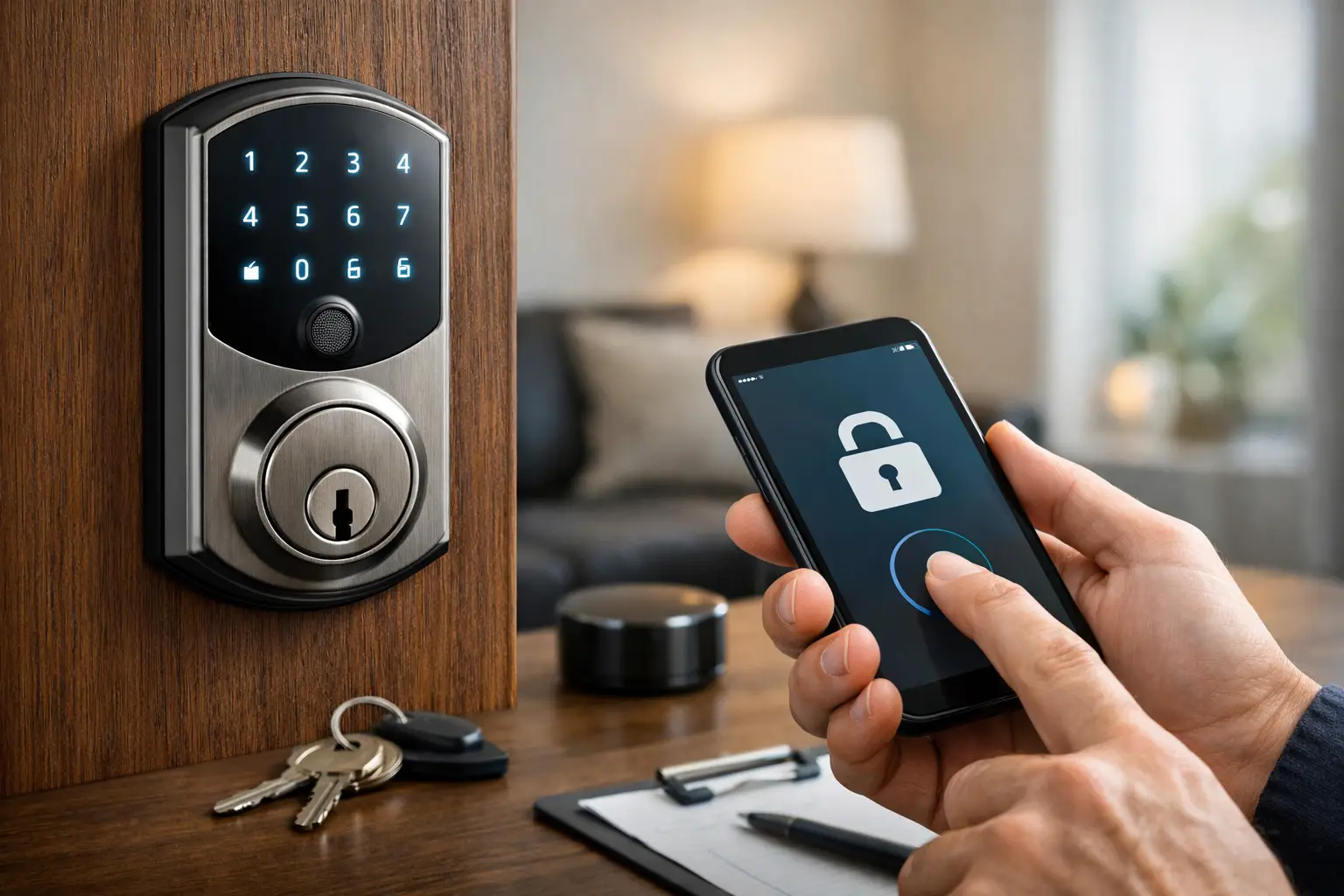
Smart Deadbolt Review Guide for Buyers
A smart lock can look great on a product page and still be the wrong fit for your front door. That is why a smart deadbolt review guide should focus less on marketing claims and more on what actually matters in daily use – reliability, door fit, power backup, credential options, and how the lock performs when weather, traffic, and user habits are less than ideal.
For most homeowners and property managers, the goal is simple. You want controlled access without creating new points of failure. In some cases, a smart deadbolt makes entry easier for family members, guests, dog walkers, or maintenance staff. In other cases, it creates frustration because the Wi-Fi signal is weak, the strike is slightly misaligned, or the app is harder to manage than the box suggested. The right choice depends on your door, your routine, and your tolerance for tech.
How to use this smart deadbolt review guide
The best way to review smart deadbolts is to start with the door, not the app. A quality lock cannot overcome a warped frame, poor alignment, or a weak door prep. If the deadbolt already sticks, the smart unit will not fix that. It may actually perform worse because motorized locking depends on smooth travel.
Next, think about who needs access and how often that changes. A homeowner with two residents and one backup key has a very different use case than a rental owner, a small office, or a building manager turning over codes for vendors and cleaners. The more users involved, the more important credential management becomes.
Finally, decide what kind of convenience you actually want. Some buyers want keypad access only. Others want phone control, remote unlocking, scheduled codes, audit trails, and integration with cameras or alarm systems. Every added feature can improve control, but every added feature also introduces complexity.
The features that matter most in a smart deadbolt review guide
A smart deadbolt should first succeed at being a deadbolt. That means solid construction, dependable locking action, and resistance to wear over time. App features are secondary if the lock body, bolt, or interior mechanism feels light-duty.
Battery performance is one of the first practical checkpoints. Most smart deadbolts run on standard batteries, but battery life varies based on motor strength, climate, usage frequency, and whether the lock communicates over Bluetooth, Wi-Fi, or another protocol. A lock that needs frequent battery changes may still work fine for a lightly used side door, but it becomes a nuisance on a primary entry.
Credential options also matter. A keypad is still one of the most useful features because it gives fast access without requiring a phone. Mobile app control can be valuable, especially if you need remote management, but it should not be the only dependable method. Physical key override remains important for many buyers, even if they rarely use it. In a real lockout, redundancy matters.
Auto-lock settings sound appealing, but they need to be used carefully. In some homes, auto-lock adds peace of mind. In others, it creates accidental lockouts when someone steps out briefly without a phone or key. The right setting depends on who uses the door and whether everyone understands how the lock behaves.
Connectivity: Bluetooth, Wi-Fi, and hub-based systems
Bluetooth locks usually offer simpler setup and good battery performance. They work well when you mostly control the lock while standing near the door. For many residential users, that is enough.
Wi-Fi enabled locks add remote control without requiring an extra hub, but they often drain batteries faster. They also depend more heavily on network strength at the entry point. If your front door sits far from the router or behind dense construction, performance can suffer.
Hub-based systems can make sense when the lock is part of a larger smart home or managed access setup. They often provide stronger automation options, but they introduce another device, another setup step, and another possible troubleshooting point.
Security ratings and build quality
Not every smart deadbolt is built for the same level of use. Some are well suited for a single-family residence with moderate traffic. Others are designed with heavier-duty hardware and better long-term durability. Finish quality, weather resistance, bolt strength, keypad construction, and interior thumbturn feel all tell you something about the lock before you ever open the app.
It is also worth looking at whether the smart function is built into a complete lockset or added to a more traditional deadbolt format. Simpler designs sometimes age better because they have fewer failure points.
Where buyers get it wrong
One common mistake is choosing based only on brand recognition or app screenshots. A well-known name does not guarantee the best fit for your door or use case. Another mistake is assuming installation will be easy because the box says it fits standard doors. Standard prep helps, but real-world doors are not always standard after years of settling, repainting, and hardware changes.
Buyers also underestimate handoff issues. If several people need access, someone has to manage codes, revoke old users, replace batteries, and respond when a phone app stops cooperating. That is manageable in many homes, but it should be part of the decision.
There is also a privacy question. Some users want activity logs and app notifications. Others are not comfortable with cloud-based access records or do not want another account tied to their front door. Neither position is wrong. It comes down to what level of oversight and connectivity you want.
Smart deadbolt review guide by use case
If you are choosing for a primary residence, reliability and ease of use usually matter more than advanced automation. A keypad, physical key override, and dependable battery warnings are often enough. Remote access is helpful, but not essential for every household.
For rental or turnover-heavy properties, temporary code creation becomes more important. You need simple user management and a lock that does not confuse guests. In these cases, clear code programming can matter more than deep app customization.
For small offices or mixed-use spaces, be careful not to expect residential smart deadbolts to perform like commercial access control. Some products work well for light-duty business use, but high traffic, staff turnover, compliance demands, and audit requirements often call for a different class of hardware. A smart deadbolt may be suitable for one office door, but not for a full facility security plan.
For side entries, garages, or interior secure rooms, a smart deadbolt can be useful if the environmental conditions are reasonable and the opening is properly aligned. Exterior exposure, direct rain, and seasonal swelling can all affect long-term performance.
Installation matters more than most reviews admit
A large share of smart lock complaints trace back to installation quality. The bolt has to move freely. The strike has to line up correctly. The handing, backset, door thickness, and bore prep all have to match the hardware. Even a small alignment issue can cause battery drain, incomplete locking, or repeated calibration errors.
Professional installation is especially worthwhile when the door already drags, the frame is out of square, the existing hardware is older, or the lock is being installed as part of a broader home security upgrade. In those situations, the smartest lock on the shelf will only perform as well as the opening allows.
A service-led approach also helps when you need the lock to work with other security hardware, whether that is a reinforced strike, door closer, camera, alarm, or managed entry plan. A trusted provider such as Easter’s Lock & Security Solutions can evaluate the opening and the hardware together instead of treating the deadbolt like a standalone gadget.
What a good smart deadbolt should feel like after 90 days
By the three-month mark, the novelty should be gone. What remains is the real test. The lock should respond consistently, the app should not require constant attention, battery status should be predictable, and the household should know how to use backup entry methods.
If users are already bypassing the smart features, leaving the door unlocked to avoid hassle, or struggling with delayed responses, the lock is not doing its job. Good security hardware should reduce friction while maintaining control. When it adds confusion, the setup needs to be reconsidered.
The best smart deadbolt is not always the one with the most features. It is the one that fits the door, matches the users, and holds up under everyday conditions. If you shop with that standard in mind, you are far more likely to end up with a lock that improves security instead of simply changing how you open the door.